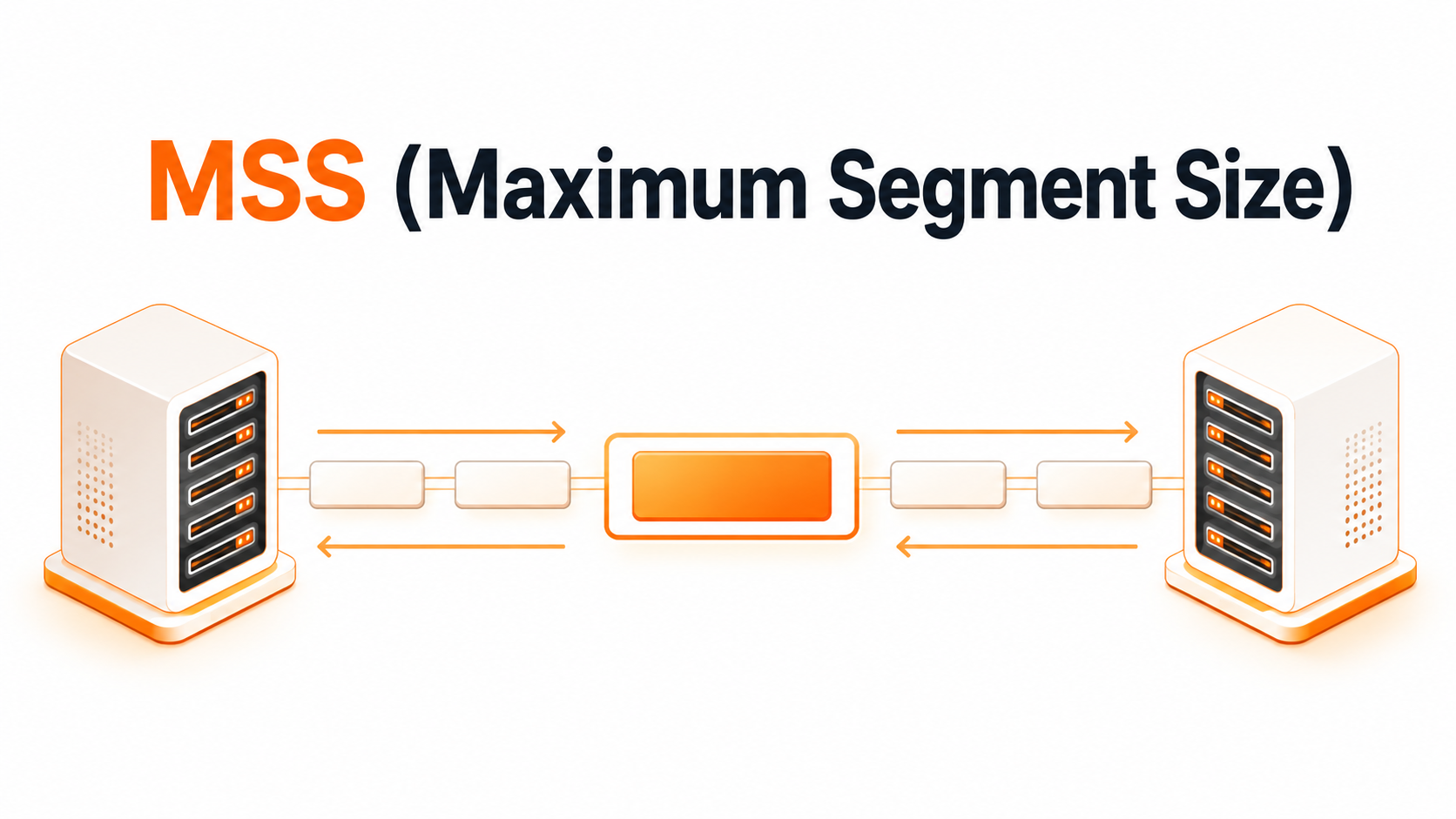
MTU (Maximum Transmission Unit) is the largest amount of data that can travel in a single network packet without being split into smaller pieces. It sounds like a detail hidden deep inside routers and switches, but it affects everyday online experiences, like loading websites, sending requests, connecting to servers, streaming content, using VPNs, and resolving domain names through DNS.
For beginners, the easiest way to understand MTU is to imagine a delivery box. If the box is too large for one part of the route, it must be opened and repacked into smaller boxes. That extra work can slow the delivery, create errors, or even cause the package to disappear. In networking, the same problem appears when packets are too large for the path they need to cross.
Table of Contents
What is MTU (Maximum Transmission Unit)?
MTU, or Maximum Transmission Unit, defines the largest packet size that a network connection can send without fragmentation. It is measured in bytes. On many standard Ethernet networks, the common MTU value is 1500 bytes, although the real number can change depending on the network type, device settings, tunnels, VPNs, or provider configuration.
A packet is a small unit of data moving across a network. When you open a website, send an email, or make a DNS query, your device does not send everything as one giant block. It divides the communication into packets, sends them across the Internet, and the receiving side puts the information back together.
MTU sets the size limit for those packets. If a packet is smaller than or equal to the allowed MTU, it can move forward normally. If it is larger than the allowed MTU on a certain part of the route, the network must either split it into fragments or reject it, depending on the protocol and settings.
The Internet is not one single road. A packet may travel through local routers, ISP networks, transit providers, firewalls, tunnels, data centers, and cloud infrastructure. Each part of the journey can have its own packet size limit. The smallest limit on the path becomes the practical maximum for the whole trip.
How does MTU (Maximum Transmission Unit) work?
When your computer sends data, it prepares packets based on the MTU (Maximum Transmission Unit) of the network interface. For example, if your device uses Ethernet with an MTU of 1500 bytes, it will usually try to keep packets within that size. That does not mean every packet is exactly 1500 bytes. It means 1500 bytes is the ceiling.
Inside each packet, some space is reserved for headers. They contain technical information such as the source and destination addresses, protocol details, and delivery instructions. The rest of the packet carries the actual data, also called payload. So, a larger MTU can carry more useful data per packet, while a smaller MTU carries less.
This creates a balance. A larger MTU can improve efficiency because fewer packets are needed to move the same amount of data. Fewer packets also mean less header overhead. However, if the MTU is too large for some network segment, packets may be fragmented or dropped. That can hurt performance more than a smaller, safer MTU would.
A smaller MTU can reduce the chance of fragmentation, especially across VPNs, tunnels, and complex routes. The trade-off is that more packets are required, increasing overhead. In normal browsing, the difference may be small. In high-traffic environments, cloud systems, DNS infrastructure, and security-sensitive services, MTU settings can matter a lot.
Experience Industry-Leading DNS Speed with ClouDNS!
Ready for ultra-fast DNS service? Click to register and see the difference!
What is packet fragmentation?
Packet fragmentation happens when a packet is too large for a network segment and must be broken into smaller pieces. Each fragment travels separately and must be reassembled at the destination. If one fragment is lost, delayed, or blocked, the entire original packet may fail.
Fragmentation sounds useful, and sometimes it is. It allows data to continue moving even when packet size limits differ across the route. But it also introduces extra processing, more complexity, and more chances for problems. In modern networks, engineers try to avoid fragmentation rather than rely on it.
For DNS, fragmentation deserves special attention. DNS usually works over UDP, a fast protocol that does not create a full connection before sending data. Small DNS responses work well over UDP. But large DNS responses, such as those involving DNSSEC or many records, can exceed the safe packet size and become fragmented.
Fragmented DNS responses may be more fragile. Firewalls, routers, or security systems can block fragments. Some may arrive out of order. In certain cases, fragmentation can increase security risks. That is why DNS operators care about response size, DNS settings, TCP fallback, and infrastructure that handles traffic.
What is Path MTU?
Path MTU is the smallest MTU (Maximum Transmission Unit) value along the full route between sender and receiver. Even if your local network supports an MTU of 1500 bytes, a VPN tunnel or another network segment may support less. In practice, the packet must fit through the narrowest part of the path.
Path MTU Discovery is a process used to find the largest packet size that can travel from one host to another without fragmentation. The sender tests packet sizes and adjusts when a device along the route reports that the packet is too large. When it works correctly, it helps data move efficiently without unnecessary fragmentation.
Why is MTU (Maximum Transmission Unit) important?
MTU is important because it affects performance, reliability, and troubleshooting. When MTU (Maximum Transmission Unit) is configured correctly, packets move efficiently across the network. When it is wrong, users may see slow loading, failed connections, timeout errors, broken VPN sessions, or inconsistent access to online services.
For website owners, MTU problems can damage user experience without an obvious error message. Visitors may not know that packet size is the issue. They only see that a page is slow, a service is unstable, or a connection fails at random moments.
For system administrators, MTU is part of the basic health of infrastructure. Servers, routers, firewalls, tunnels, and load balancers need compatible settings. A single mismatch can cause packet loss or fragmentation.
For DNS administrators, it matters because DNS must be fast and reliable. DNS resolution is one of the first steps before a user reaches a website, application, mail server, API, or online platform. If DNS responses are delayed, blocked, or fragmented badly, the entire user journey can suffer.
MTU and DNS
DNS translates domain names into IP addresses. Many DNS queries and responses are small, so they fit comfortably inside typical packet limits. But not all DNS traffic is tiny.
DNS responses can become larger when a domain uses DNSSEC, has multiple records, returns IPv6 addresses, includes mail-related records, or uses advanced configurations.
When a DNS response is too large for UDP to handle safely, a well-configured system can retry over TCP. TCP has more overhead, but it is reliable for larger responses. This fallback is one reason modern DNS infrastructure should support both UDP and TCP correctly.
Common MTU values
The most familiar MTU value is 1500 bytes, commonly used on standard Ethernet networks. However, other environments can use different values. VPNs and tunnels often reduce the effective MTU (Maximum Transmission Unit) because they add extra headers around the original packet. That extra wrapping takes space, so the payload is smaller.
IPv6 also has an important minimum MTU requirement of 1280 bytes. This does not mean every IPv6 path is limited to 1280 bytes. It means IPv6 networks must be able to support at least that size.
Some data center networks use bigger frames, often around 9000 bytes, to move large amounts of data more efficiently inside controlled environments. These frames can be helpful in storage networks and internal systems.
There is no need to memorize every MTU value. The key idea is simpler: every network path has a packet size limit, and packets that exceed it require special handling.
Conclusion
MTU (Maximum Transmission Unit) is a basic networking concept with real impact. It defines how large a packet can be before it needs to be fragmented or handled differently. When MTU is correct, data moves smoothly. When it is wrong, users may face slow pages, broken VPNs, failed transfers, or unreliable DNS responses.
For beginners, the main lesson is simple: packet size matters. The Internet works best when data fits the path it travels through.